How to send image without losing quality in whatsapp

March 11, 2022 2 min read

How to send image without losing quality in whatsapp


We will see in this article how to send high-quality images without losing quality:

  • Open WhatsApp and then open the specific chat tab.
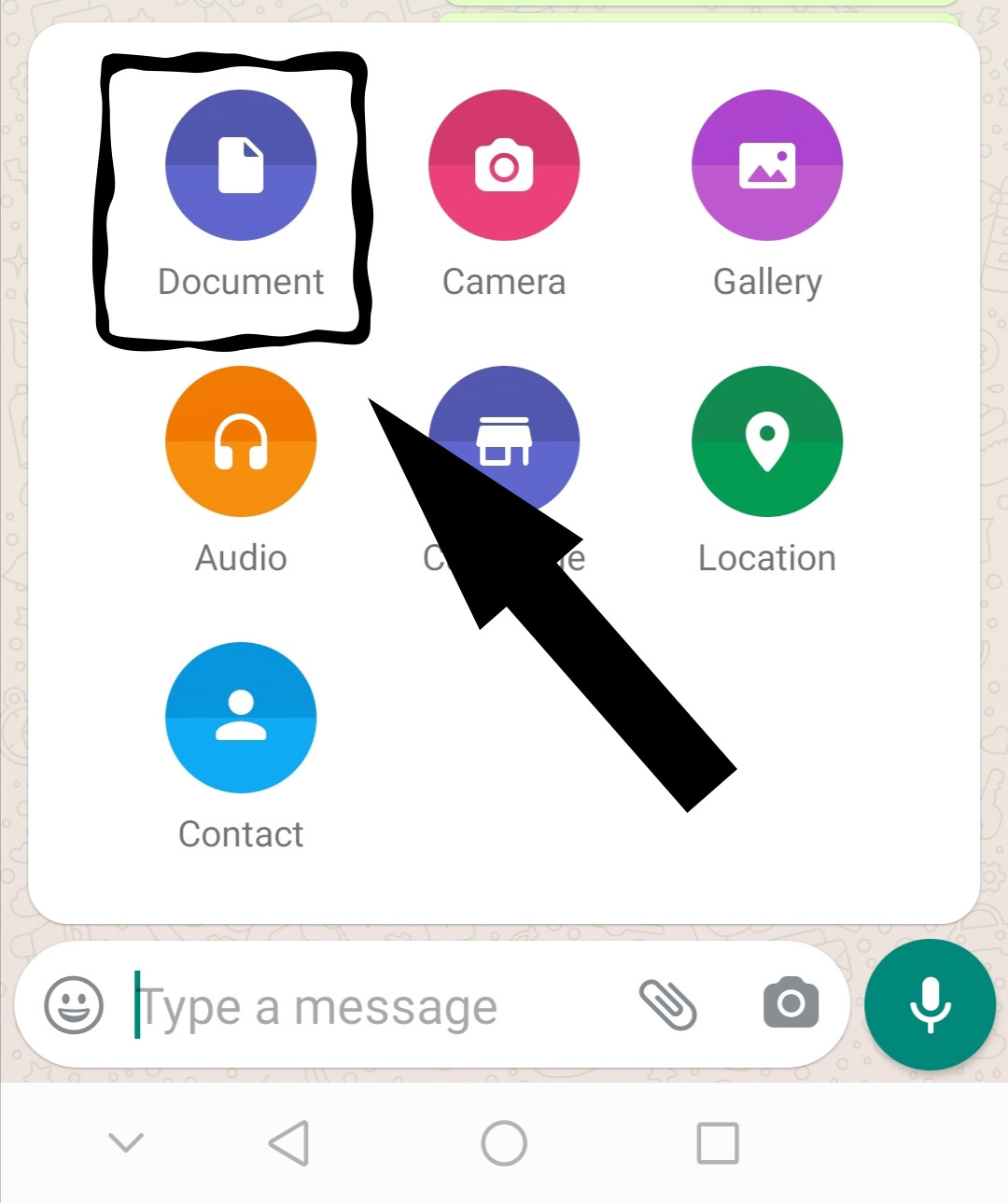
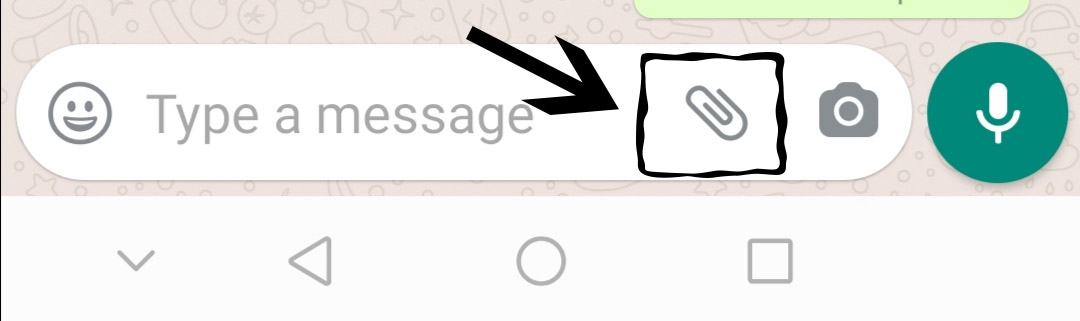
  • Tab attach icon. Choose Document icon.


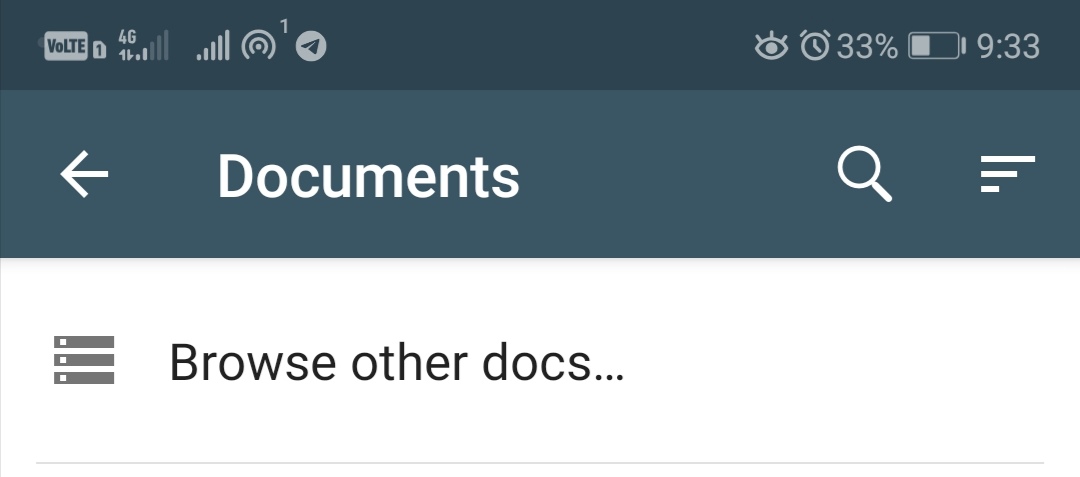
  • Click Browse other docs.


  • You can select the image folder in the left side menu and then select the image, then send the image as a document without losing quality.
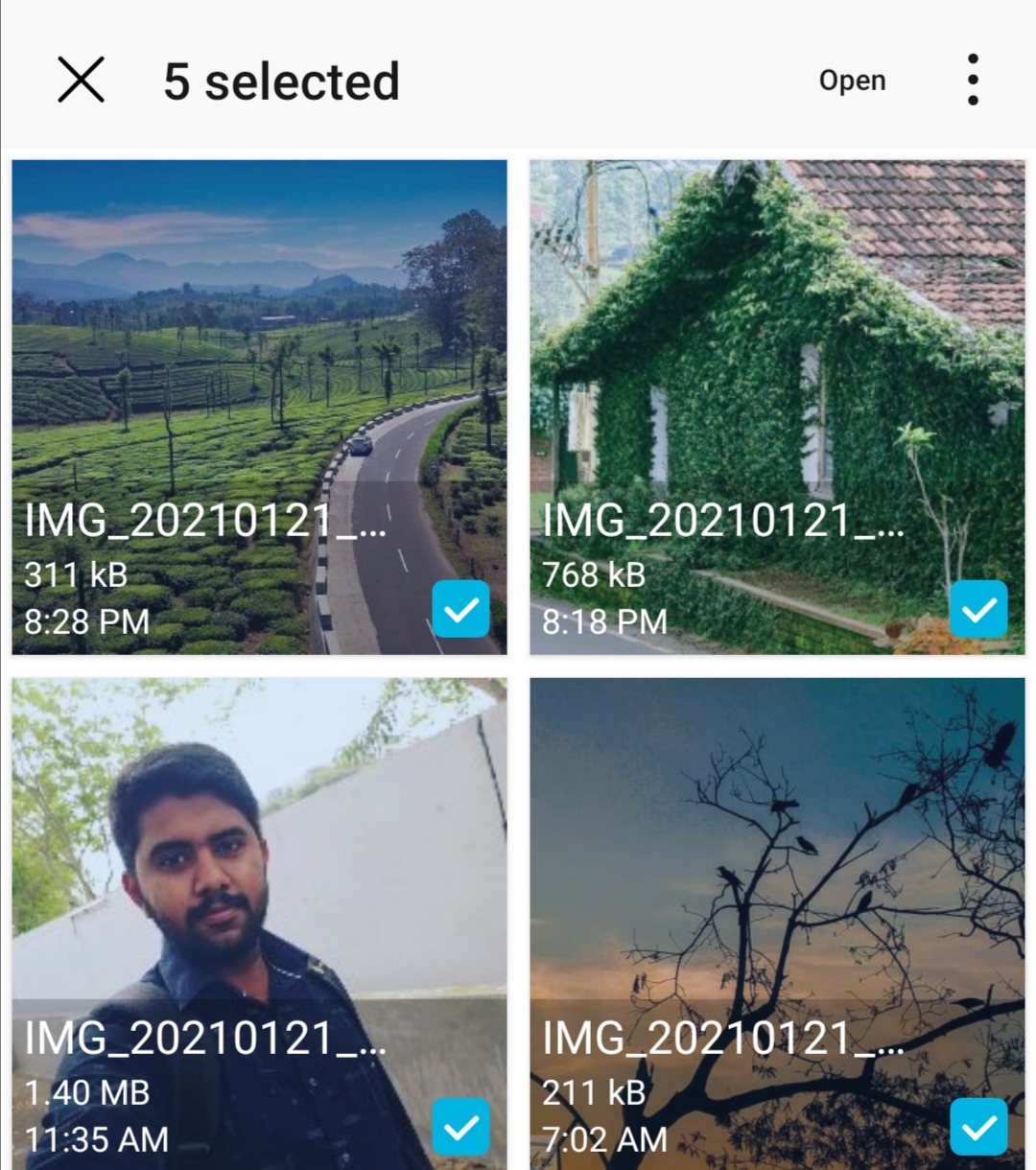
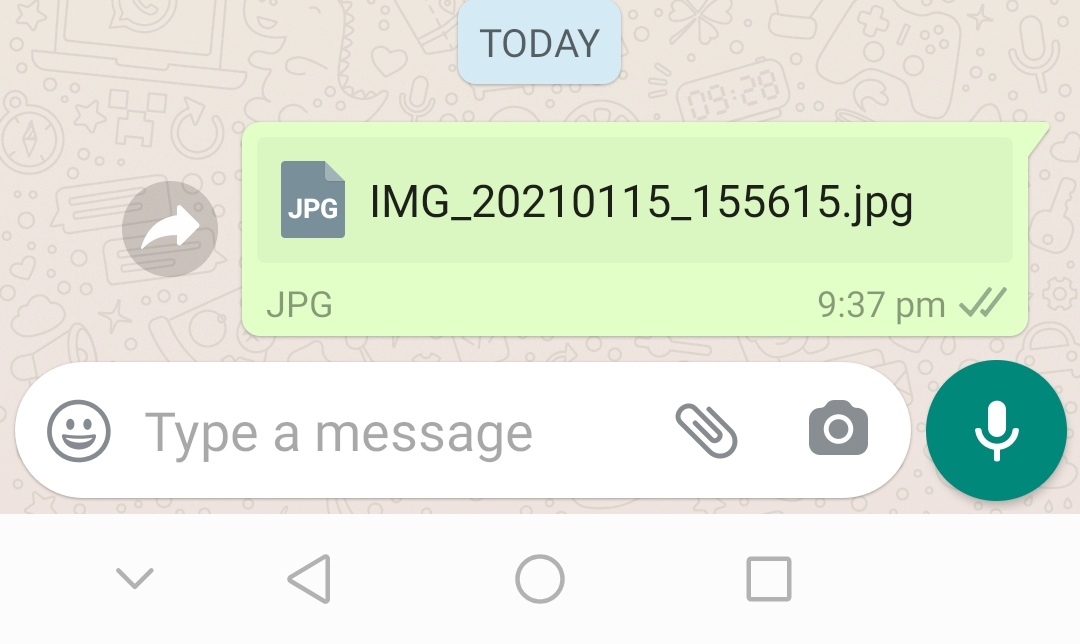

  • If you want to send multiple files, then press the first image for a long time, then pick multiple images and then click the Open button then click Send button.


Info:

  • Any files such as  ppts, pdfs, images, videos, mp3's, apk's, etc. can be sent.

Category: Whatsapp Tags: #Whatsapp,

0 Comments

  • No Comments Available..

Related Posts

1

How to read a deleted WhatsApp message

2

How to Blur Whatsapp Web Message

3

How to set a password for WhatsApp web?

4
5
6

Basic Whatsapp Tricks

7
8

How to Set Blank Whatsapp Status

Newsletter Subscribe

Subscribe to our newsletter for the most up-to-date Social Media and Android tips and tricks.

Account

Sign in to add comments to our blog and save your favorite bookmarks.

Login with Google

Stay Connected With Us

We regularly share practical tech tips and tricks, social media feature updates, and easy-to-follow guides. On a daily basis, we provide technology news to help you stay updated in the fast-changing digital world.