Find Unknown Number Details Online
1.) The most widely used app for identifying unknown callers is truecaller.
2.) Now we see how to use this app without installation.
3.) Create dummy Gmail account.
4.) Open chrome browser. login created gmail account.
5.) Now visit this website. https://www.truecaller.com/
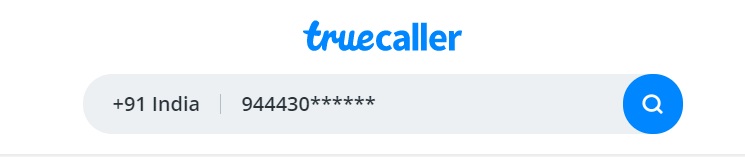
6.) In the Search option enter unknown number.
7.) Website will ask for option to sign in.
8.) Choose Sign with google.Pick that created dummy gmail account.
9.) It will ask for access to your synced contact number in Google Account.
10.) Just click the button Allow. (Truecaller can't get any data because no contact numbers were saved by that gmail account )
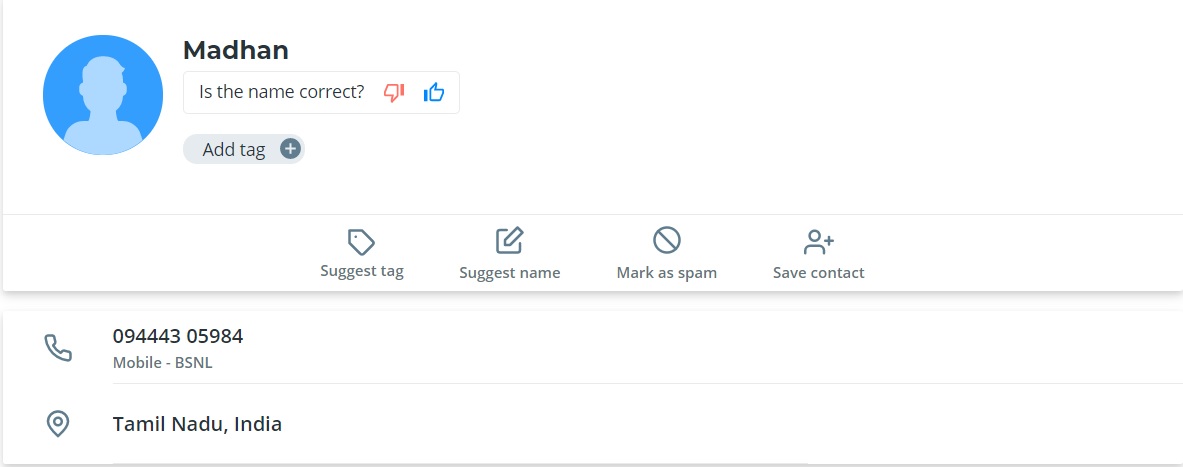
11.) Unknown number name, network provider and area will be displayed.
Category: Truecaller Tags: #Web App,
No Comments Available..