How to upload high quality Photo/Video/Reels on Instagram
March 27, 2023 • 2 min read
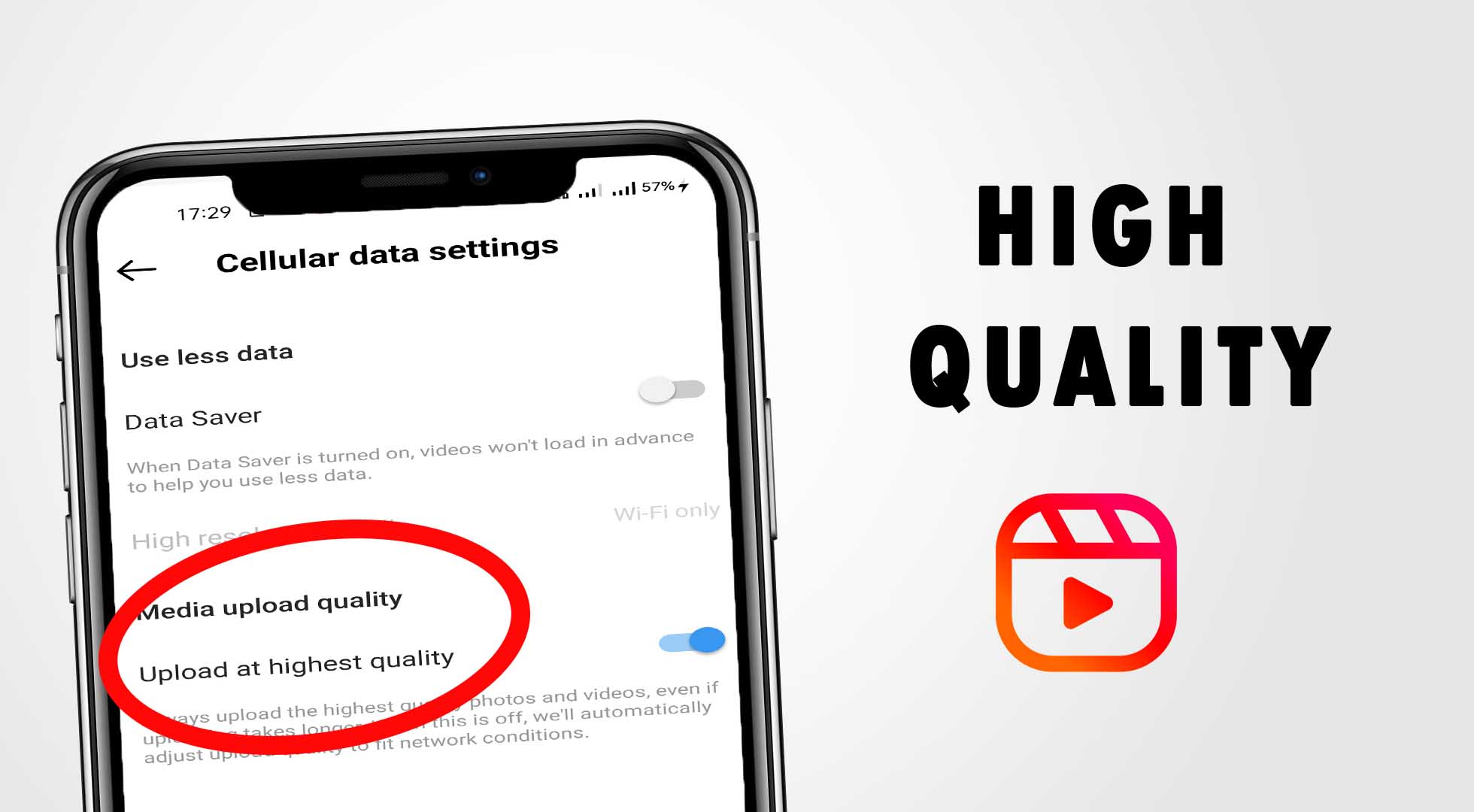
Hello Techvlog YouTube viewers , to we going to see how to upload high quality photos, videos and reels on Instagram.
- Open Instagram app.
- Click the profile feed icon.
- Now click the menu icon. ( It's located in top right corner)
- Now click the "Settings" tab. Then choose "Account". Scroll down.
- Click the "Cellular" data use.
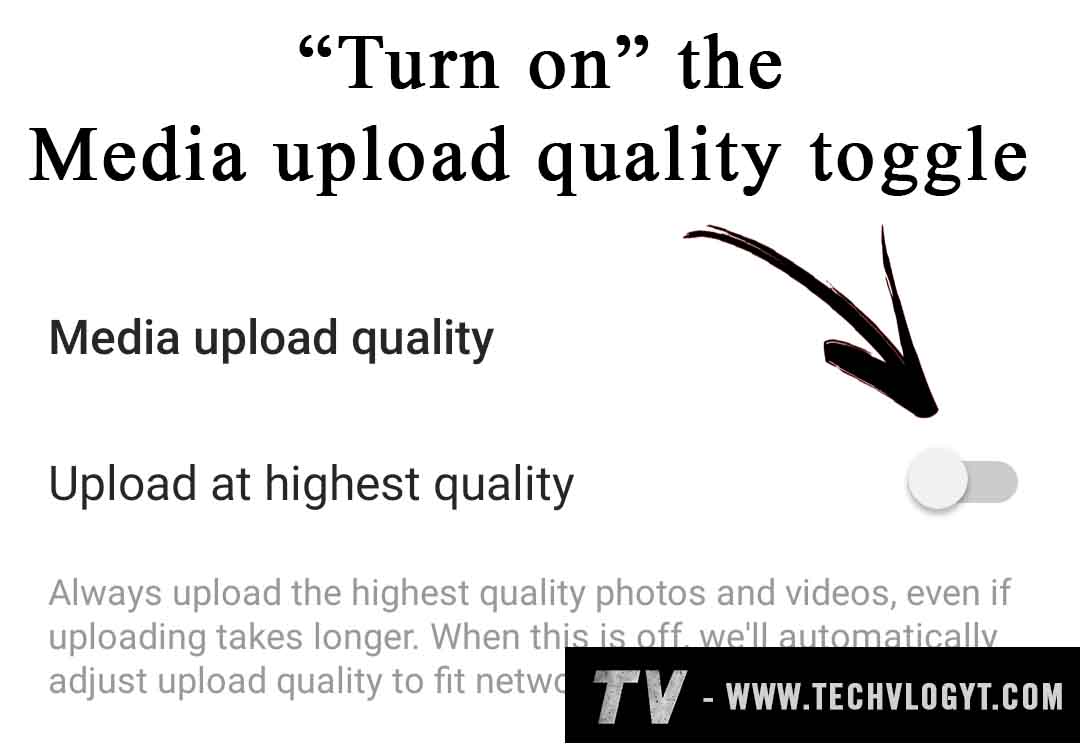
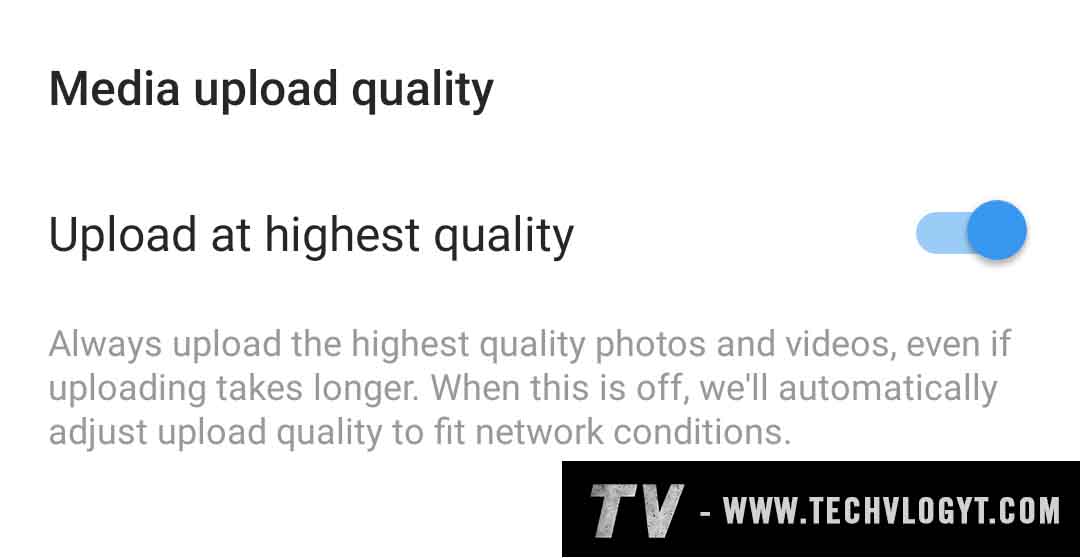
- Enable the "Upload at highest quality". That's it.





(Note: While uploading photo, video, and reels don't edit in Instagram app. Kindly edit outside Instagram app )
Category: Instagram Tags: #Instagram,
No Comments Available..